Showing posts with label OpenAI. Show all posts

Sunday, August 23, 2026

Memory OS — method-of-loci study films from Markdown

A study script should become a walk you can replay. That is the bet behind memory-os: write a palace in Markdown, compile it to a spec, and build a narrated, AI-illustrated method-of-loci film — one locus, one concept, one memorable image.

It is built on the pipeline we already proved in docgen (Markdown → TTS → declarative specs → ffmpeg), with the visual layer swapped to the OpenAI Images API so every room gets an exaggerated mnemonic instead of a Manim box diagram.

How the engine fits together

Humans write spec.md. The engine owns the rest.

your-palace.md
      │  memoryos compile
      ▼
your-palace.palace.yaml     # canonical spec
      ├─ enrich   → ~30s explanation per locus (LLM, reviewable in YAML)
      ├─ images   → images/<floor>/NN-locus.png
      ├─ narrate  → audio/<floor>/NN-locus.mp3
      └─ render   → build/video/<palace>.mp4

Sync is the core guarantee. Rendering is audio-first: one continuous narration track, every cut recorded in build/timeline.json, clips cut to those markers. A locus stays on screen until its explanation (plus a recall pause) finishes — never less than video.min_locus_sec (default 30 seconds). Image changes cannot drift ahead of the voice.

Recent engine work that mattered in practice:

  • Preview clips now have sound. Early builds encoded build/clips/*.mp4 video-only (-an). The MP3s were fine; the previews were silent. Each clip now muxes its own narration so a single scene is watchable, while the assembled film still uses one continuous AAC track.
  • Enrich is reviewable. Thin study-script lines expand to ~30s explanations inside the YAML. You edit the prose, not a generated MP4.
  • LAN + Pages viewers. memoryos serve binds on the LAN for iPad/Safari; memoryos pages emits a static tree with chapter / section / scene navigation and viewed/unviewed state.
  • Cheap, incremental images. Default is gpt-image-1-mini at medium quality (~$0.015/locus). Existing assets are reused unless you pass --force.

Dogfood: Spring Authorization Server palace

The first full palace is the Spring Authorization Server lab — the same design documented in examples/spring-auth-server/docs/c4-players.md. Vue and mobile are public clients. They talk only to Spring Authorization Server with PKCE. They never call Google or Apple token endpoints.

Token A — Google or Apple id_token. SAS is the IdP’s client.
Token B — Spring Auth id_token. The app is SAS’s client.
AT / RT — Spring Auth access and refresh tokens. These are what resource servers accept.

That three-token split is the whole point of filming it. Floor 1 already had stove = ID token (identity for the client, not an API credential) and refrigerator = access token (presented to APIs). The newer wings add the federation story: Apple/Google mint Token A for the auth server; the auth server mints Token B + AT/RT for the apps. You do not send Google’s id_token to your APIs.

The palace is specified as seven floors:

  1. OAuth / OIDC protocol — what happens
  2. Spring Authorization Server internals — which components make it happen
  3. Authorization code + PKCE
  4. Token and session lifecycle
  5. Debugging — where the request broke
  6. System flow — Vue, mobile, Cortex, Redis, ThreadLocal
  7. Config paths — the long AuthorizationServerConfig / SecurityConfig methods

Each floor also has a federation wing (Sign in with Google / Apple). Loci stay incremental: existing images and audio are reused unless you pass --force.

memoryos compile examples/spring-auth-server/spec.md \
  --id spring-auth-server \
  -o examples/spring-auth-server/spring-auth-server.palace.yaml

memoryos build examples/spring-auth-server/spring-auth-server.palace.yaml --floor floor-1
memoryos concat … --floors floor-1,floor-2,floor-3
memoryos serve … --concat

What is next

The engine is already a consumer library, not a one-off renderer. embabel-v1-learning pins it and publishes cheat-sheet films to GitHub Pages — two floors, twelve loci, about twelve minutes. Next work on this repo is more palace coverage (federation / refresh / Cortex session-token cache) and keeping the CLI contract stable so study repos can rebuild without vendoring the engine.

Source: github.com/jmjava/memory-os
Related: docgen · embabel-v1-learning · google-oauth-poc

Friday, July 17, 2026

Introducing docgen — narrated demos from Markdown to Manim

Long-form demos should explain how a system works. Narrated diagram videos age well when the script and the visuals are first-class artifacts you can regenerate in CI — not one-off recordings that rot with every UI tweak.

docgen (documentation-generator) is a reusable Python library and CLI for that job: Markdown narration, OpenAI TTS, Whisper-aligned timing, Manim scenes, ffmpeg composition, and validation you can run before you ship. Install it, point it at a docgen.yaml, and build demos from the shell — no IDE plugin required.

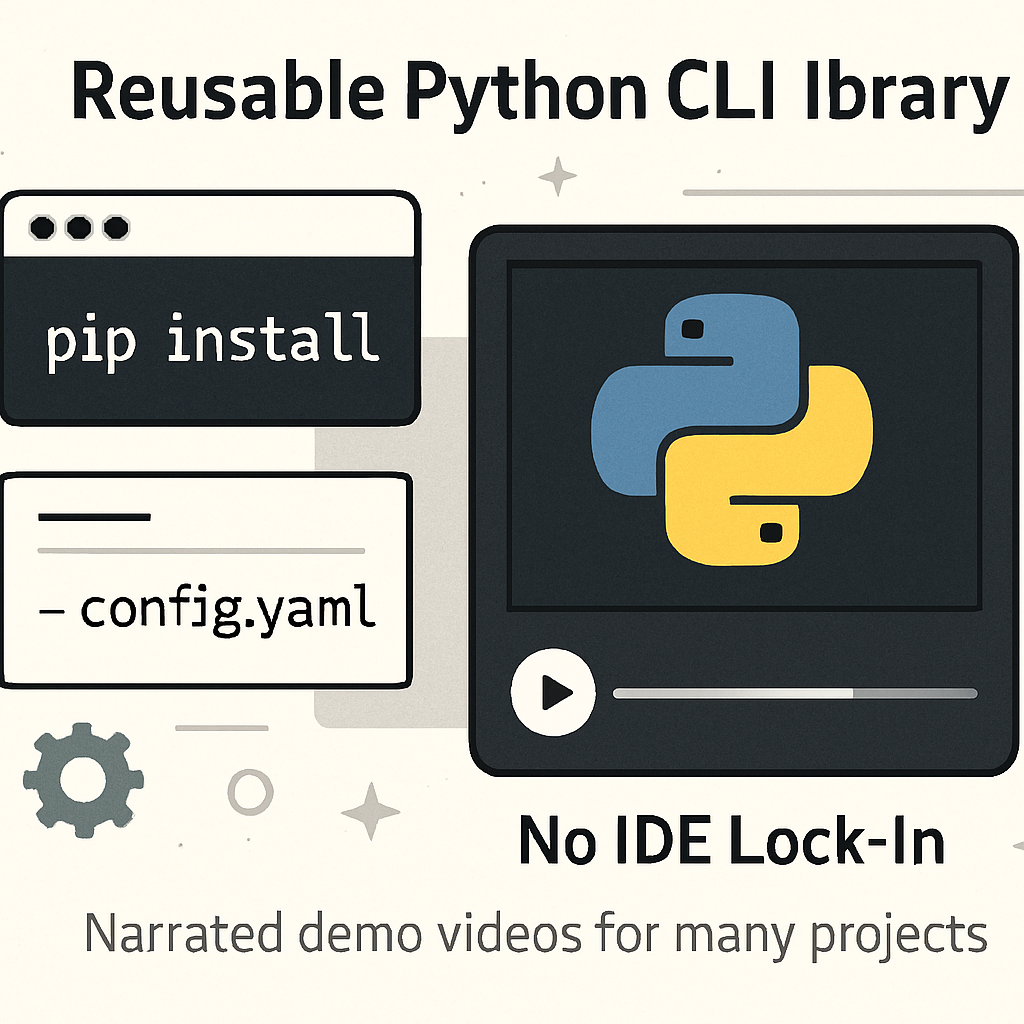
docgen as a reusable CLI library for narrated demo videos
Library, not app: pip-installable CLI + YAML + shell/CI.

What it is

docgen ships the video stack you need for scripted explainers:

  • TTS narration — Markdown scripts → MP3 via OpenAI (gpt-4o-mini-tts)
  • Whisper-style timestamps — word-level timing so visuals can wait on real speech
  • Manim animations — the primary visual surface for diagram-heavy segments
  • ffmpeg compose / concat — mux audio + video, stitch segments, freeze-tail guard
  • validate — A/V drift, freeze ratio, narration lint, Manim layout hints, pre-push checks
  • pages — static preview HTML for demo assets
  • wizard — optional local web UI to bootstrap narration from project docs

North-star constraints matter as much as features: stable CLI contracts, hybrid config (deterministic merges plus optional OpenAI where it helps), and a hard rule that generated assets come from the tool — not hand-edited “fixes” that paper over generator gaps.

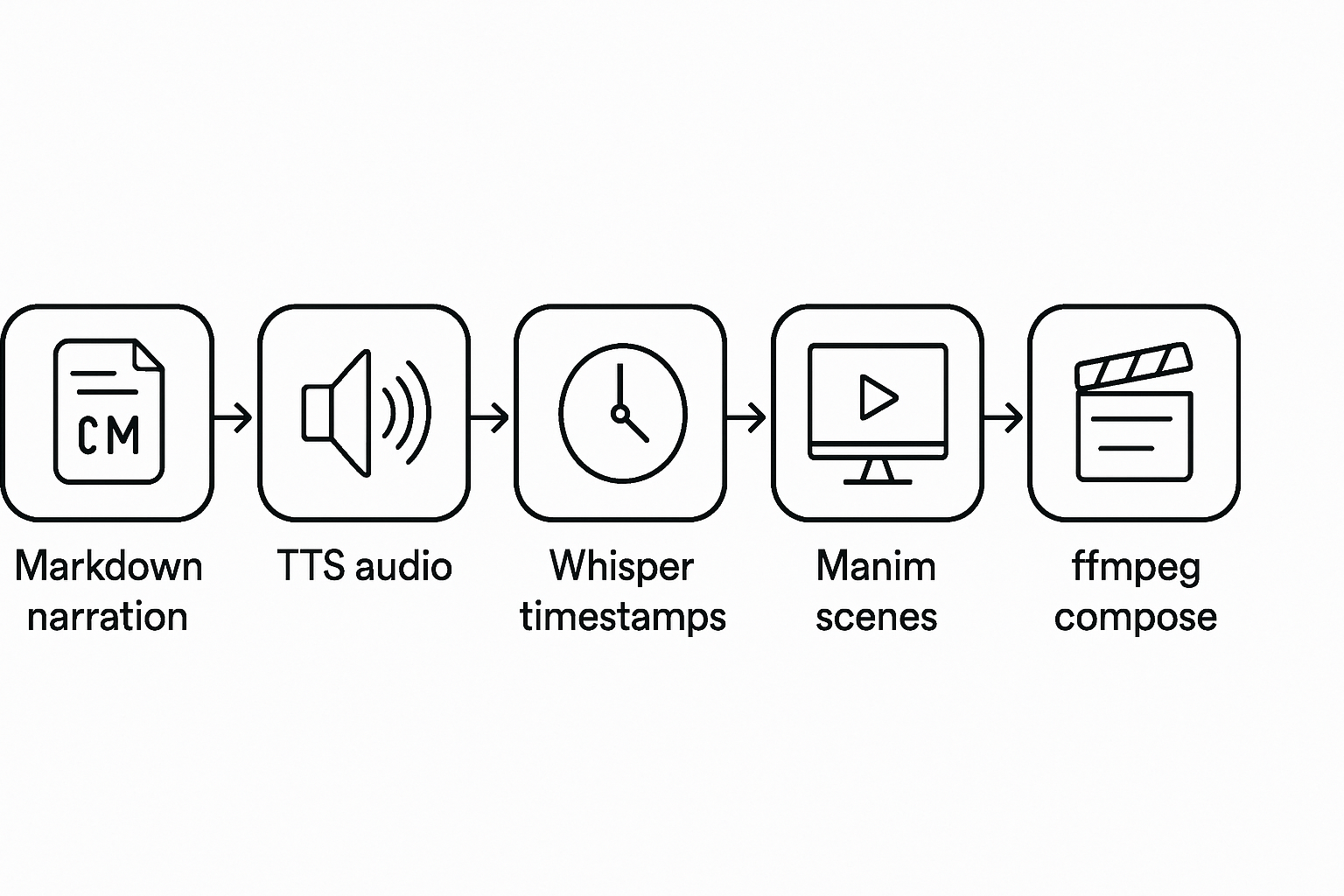
docgen pipeline from narration through TTS, timestamps, Manim, and compose
Typical path: narration → TTS → timestamps → Manim → compose → validate.

cd your-project/docs/demos
docgen yaml-generate          # merge hints/defaults into docgen.yaml
docgen narration-generate …   # optional LLM narration from hints
docgen scene-spec-generate …  # declarative Manim YAML
docgen generate-all           # TTS → timestamps → Manim → compose → validate
docgen validate --pre-push

What we shipped recently

1. Declarative Manim: scene-spec-generate + scene-compile

Instead of hand-editing generated Manim classes, maintainers steer with hints and declarative *.scene.yaml specs. OpenAI can emit the YAML; the engine compiles it into _TimedScene classes inside marked regions of scenes.py.

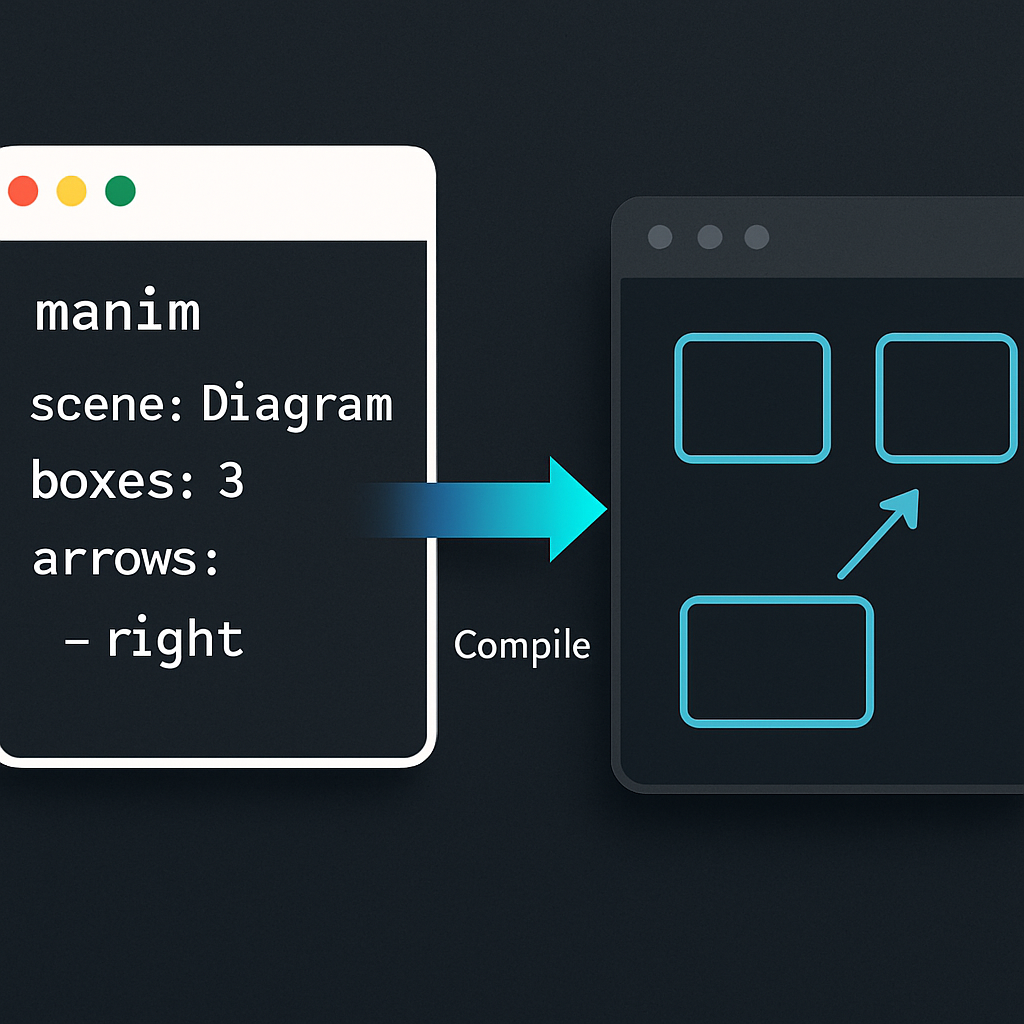
Declarative Manim scene YAML compiling into animated diagram boxes
YAML in, timed Manim scenes out — with layout budgets and Whisper wait_word alignment.

The compiler is opinionated in useful ways: rows auto-paginate when they exceed the frame stack budget, oversized specs are rejected, and (when timing.json has Whisper words) each row’s first label can map to a wait_word index so boxes appear with the narration.

docgen scene-spec-generate --segment 01 --compile
docgen scene-compile animations/specs/01-overview.scene.yaml
docgen manim --scene YourGeneratedScene

2. Hints + yaml-generate as the maintainer surface

Demo bundles (typically docs/demos/) prefer hint files with YAML front matter over ad-hoc surgery on merged docgen.yaml. docgen yaml-generate merges segment lists, visual_map, and paths; narration-generate and scene-spec-generate read those hints. Generated narration, scenes, audio, and recordings stay tool-owned so Git review stays honest.

3. Handbook diagrams + Pages-friendly demos

The repo also ships a suite handbook under docs/suite/ (PlantUML sources with Graphviz/CI rendering) and Manim-oriented demo media for GitHub Pages — so architecture stories can ship as diagrams and narrated segments, not only as markdown.

Try it

  1. Install from source or git: see jmjava/documentation-generator
  2. docgen init a demos bundle (or adopt an existing docs/demos/)
  3. Author hints → yaml-generate → narration / scene specs → generate-all
  4. Run docgen validate --pre-push before you ship media

If you want demos that explain architecture with speech and diagrams — and you want a pipeline you can re-run instead of re-record — start with a Manim segment and let docgen own the rest.

— John · github.com/jmjava/documentation-generator