AI coding assistants are fast. Delivery still needs a spine. Without one, sessions drift, Work IDs get lost, and “what should we do next?” becomes a new chat every morning.
SDLC-SPDD Orchestrator is a multi-assistant scaffold for disciplined AI-assisted delivery. It installs into your project and gives Cursor, Copilot, and Claude Code the same operating model: plan why the work matters, design what to build (and what not to), then run phases with clean handoffs.
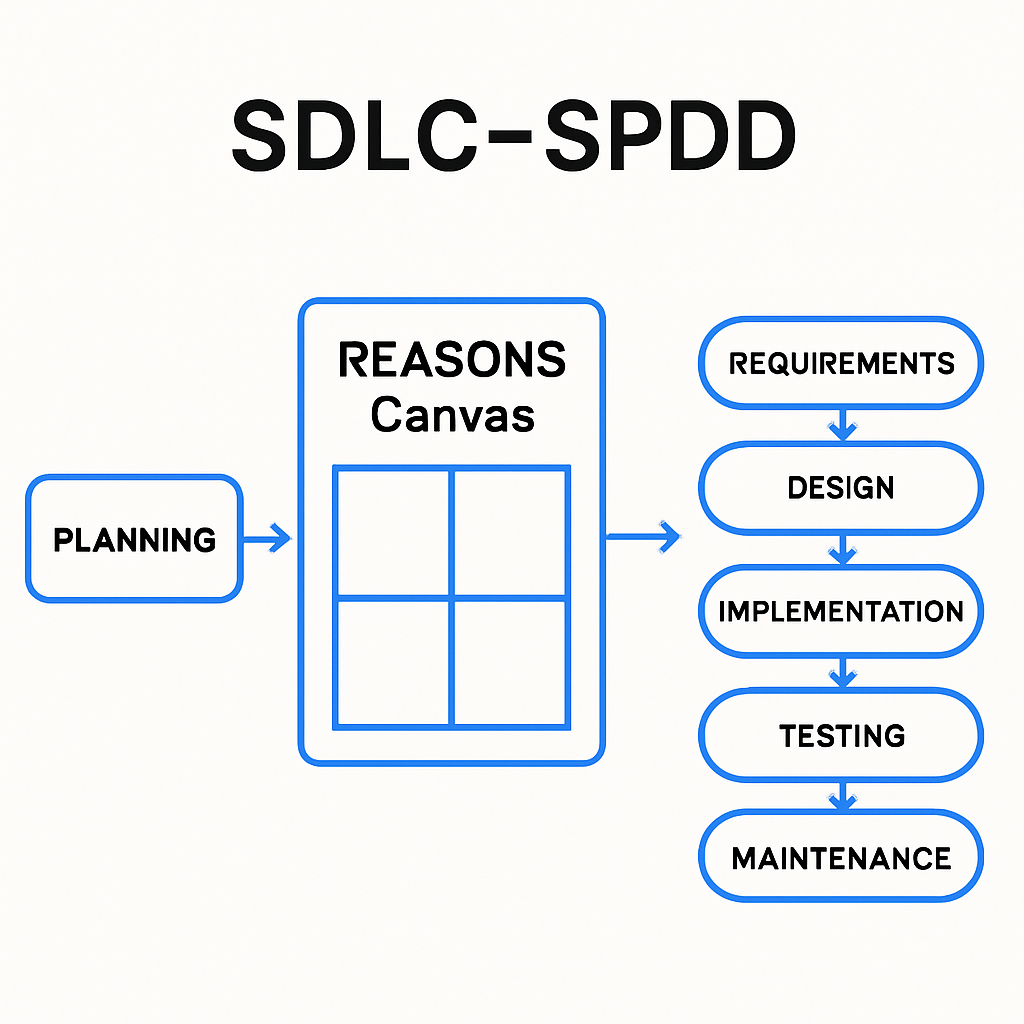
Three parts that work together: Planning, SPDD (REASONS canvas), and SDLC lifecycle.
The idea in one minute
The framework is built from three parts:
| Part | Answers | Artifacts |
|---|---|---|
| Planning | Why the work matters | ROADMAP.md, milestones, requirements, session notes |
| SPDD | What to build (and what not to) | REASONS canvas under spdd/canvas/ |
| SDLC | Who acts when and how sessions hand off | phase commands, session briefs, agent-context/ memory |
Commands come in two flavors: assistant slash commands in chat (/sdlc-spdd-plan, /sdlc-spdd-code, …) and a shell workflow CLI for day-to-day orientation (./scripts/sdlc.sh next). Install once from the orchestrator repo; then work inside your target project.
We develop the framework the same way we ask adopters to work: Work IDs, canvases, and milestones — dogfooding on the orchestrator itself. Progress follows Kent Beck’s ladder: make it work → make it right → make it fast.
What we shipped recently
The biggest recent theme is agent coordination — so humans and assistants stay on the same Work ID and the same next step.
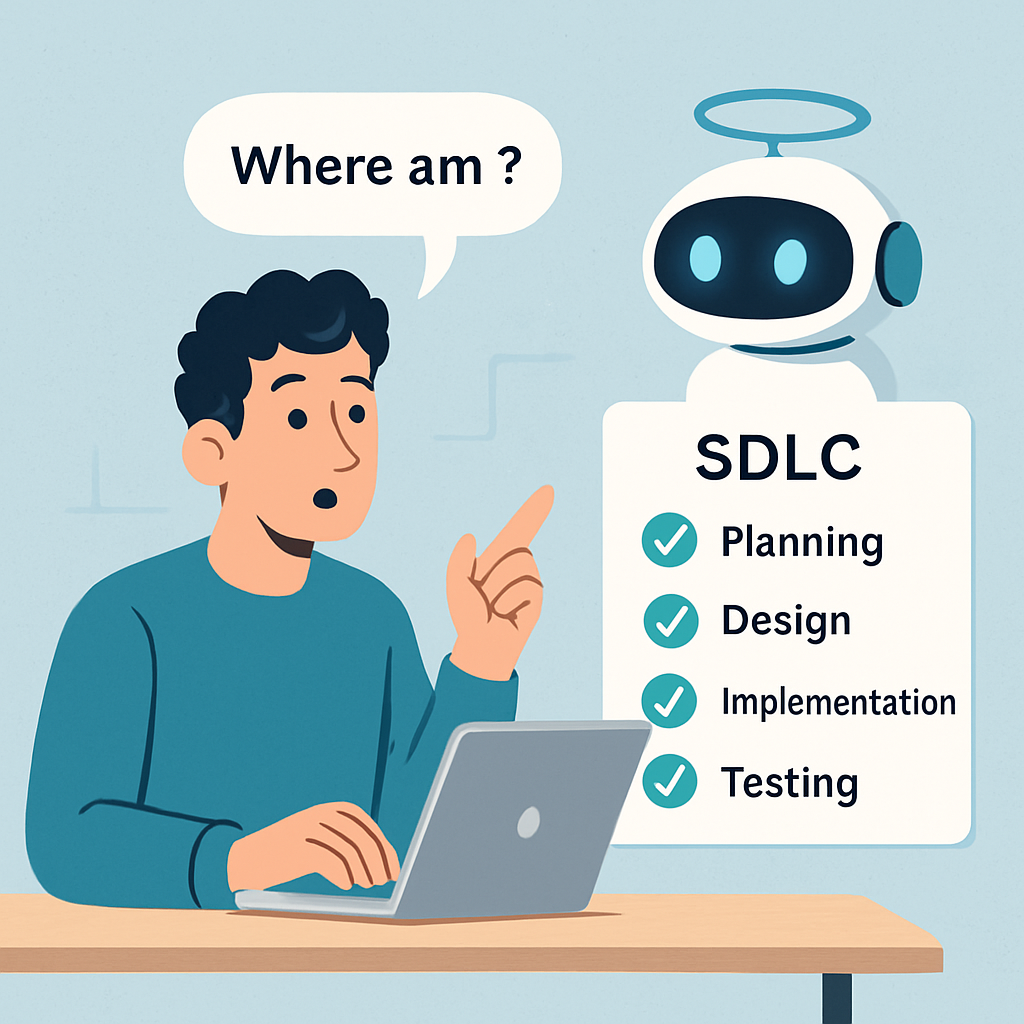
Orientation beats vibes: the same “what now?” answer in the shell and in chat.
1. SDLC pointer + workflow CLI
A persistent Work ID on your machine (.sdlc/pointer) and guarded wrappers that refuse commands aimed at the wrong chore. The workflow CLI tracks phase and gates, infers the next canvas operation, and captures sessions safely:
./scripts/sdlc.sh next
./scripts/sdlc.sh advance
./scripts/sdlc.sh shelf
./scripts/sdlc.sh resume
Shipped via #20 and #21 (tracking #19).
2. /sdlc-spdd-whereami (and friends)
In Cursor, Copilot, and Claude you can ask /sdlc-spdd-whereami and get the same orientation as sdlc.sh next. Workflow chat wrappers also cover claim, shelf, advance, next, and team — so you do not have to leave the assistant to stay in sync.
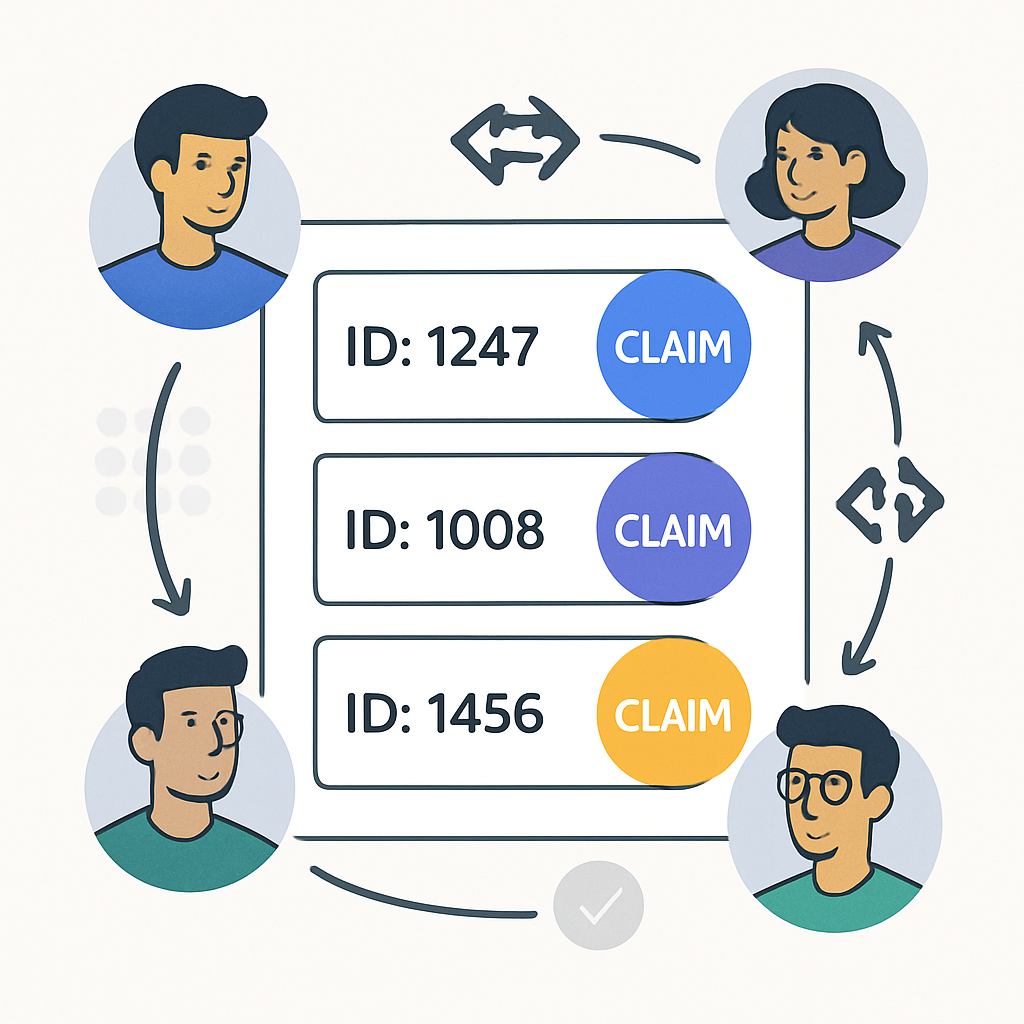
Team claims live in git so ownership is visible across machines.
3. Team Work ID registry
Shared claims in agent-context/work-registry.tsv sync through git. Teammates can see who owns which Work ID, with stale TTL and notes for branch / PR / Jira:
./scripts/sdlc.sh claim FEAT-005
./scripts/sdlc.sh team
./scripts/sdlc.sh release FEAT-005
Pointer and workflow state stay local; team claims are the shared layer.
4. Milestone 1 — make it right (and measure make it fast)
On the make-it-right track we completed the structural cleanup adopters feel every day:
- Shared script library — less duplicated shell logic across install/workflow scripts
- Command-spec generation — adapters stay aligned across Cursor / Copilot / Claude
- Extension hook manifest — clearer places for project-specific overrides
- Analysis Scope Lock —
/sdlc-spdd-analysislocks IN / NOT scope before generation - Jira-compatible requirements — YAML frontmatter + validation for milestone docs
- Milestone subdirectory layout — cleaner
requirements/milestones/structure - Session-brief archive — rotation so session folders do not grow forever
For make-it-fast measurement, we landed a prompt-optimization ledger and canvas readiness indicators — so coding gates on “Ready For Coding” instead of hope. Remaining make-it-fast spikes (Guide RAG context backend, local models) stay experimental until Guide MCP is ready.
Try it
- Clone jmjava/sdlc-spdd-orchestrator
- Install into a target project with
./scripts/setup-agent-prompts.sh(see the README adoption path) - In chat:
/sdlc-spdd-whereami— or in the shell:./scripts/sdlc-spdd/sdlc.sh next - Optional: watch the short narrated demos on GitHub Pages
If you are already deep in AI-assisted coding and want fewer lost threads between sessions, start with the first-day walkthrough in the repo docs — then claim a real Work ID and let the canvas carry the contract.

No comments:
Post a Comment